UX Audit: What It Is, How It Works and What It Reveals
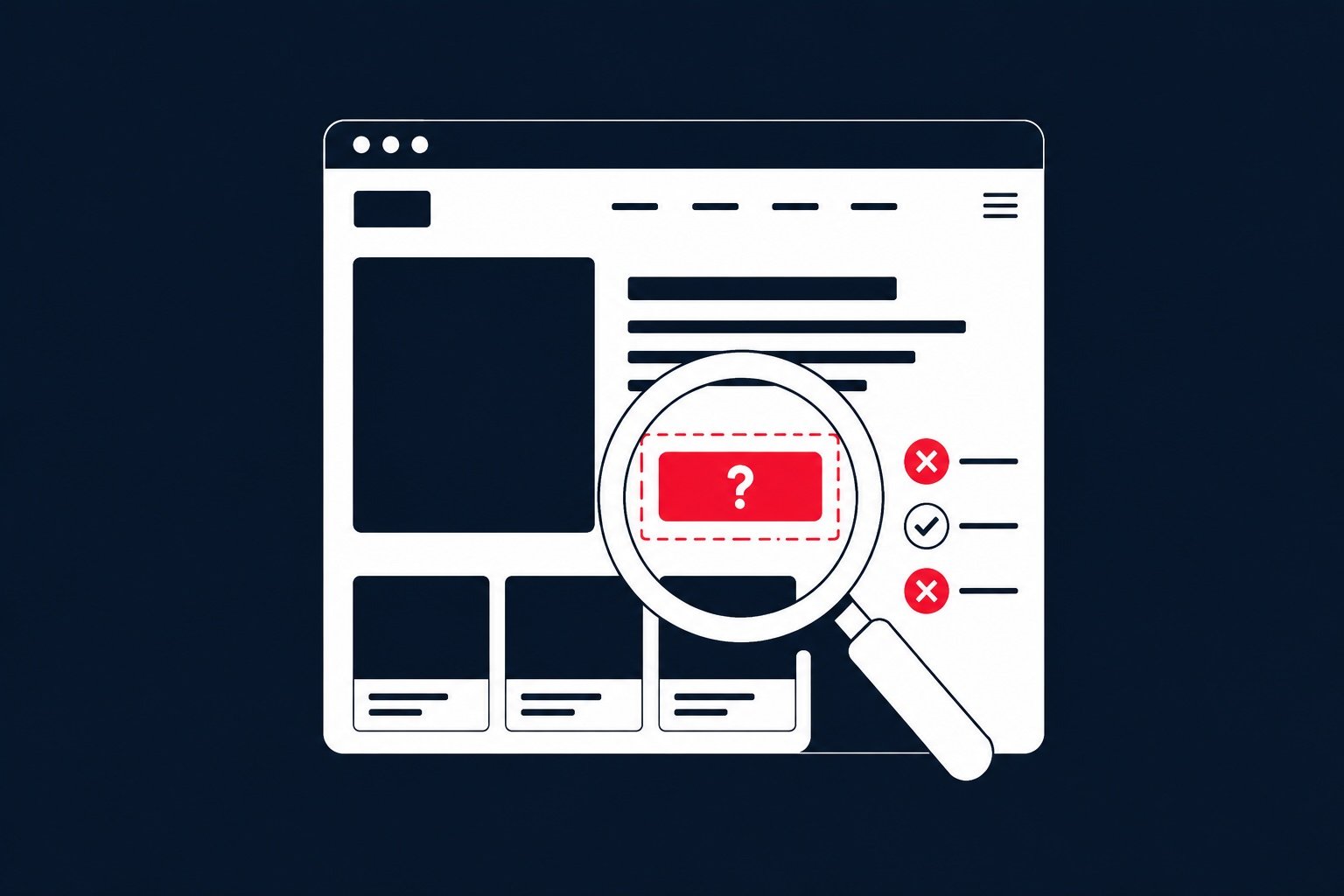
Traffic is coming to your website, but orders or enquiries are not. Users abandon forms, get lost in the navigation or fail to complete a purchase on mobile. A website UX audit helps identify where these problems occur, why they slow users down and which improvements should take priority.
This is not a subjective assessment of whether a website looks attractive. A useful audit connects business objectives, available data, an expert interface review and realistic user journeys. The result is not automatically a new website. It is a basis for deciding what to improve, why it matters and in which order the changes should be made.
What Is a Website UX Audit?
A website UX audit is a systematic evaluation of how easily and clearly visitors can achieve their goals on a website. That goal might be making a purchase, sending an enquiry, registering an account, finding information, booking an appointment or using a particular feature.
The audit focuses on user experience, or UX. It may examine the logic of the navigation, content structure, clarity of the copy, visibility of important elements, forms, error states, mobile layouts and barriers within conversion journeys.
One of the methods commonly used is heuristic evaluation, in which an expert compares an interface against established usability principles. Nielsen Norman Group describes heuristics as broad rules of thumb for interaction design rather than universal checklists of specific requirements. The type of website, its audience and the tasks users need to complete must therefore always be considered. Nielsen Norman Group provides an overview of the usability heuristics.
A UX Audit Is Not the Same as a Redesign, SEO Audit or Usability Test
These activities can complement one another, but each answers a different question.
| Method | Main question | Typical output |
|---|---|---|
| UX audit | What makes the website difficult to use, and how can it be improved? | A prioritized list of issues and recommended solutions |
| Usability testing | How do real representatives of the target audience behave while completing tasks? | Observations, user feedback and problems identified during testing |
| SEO audit | What limits the website’s visibility in organic search? | Technical, content and off-page SEO recommendations |
| Redesign | How should the new interface look and work? | A revised structure, wireframes, visual design or prototype |
A UX audit does not necessarily lead to a complete redesign. It may uncover several specific barriers that can be fixed independently, such as an unclear button, an unnecessarily complex form, missing information before checkout or difficult mobile navigation.
It does not replace research with real users either. An expert review can identify many issues quickly, but it cannot reliably predict every behavior of a specific target audience. For important or uncertain decisions, it makes sense to complement the audit with usability testing, interviews or an experiment on the live website.
What Can a UX Audit Examine?
The scope of an audit depends on the type of product and its goals. A corporate website, an e-commerce store and an internal application require different approaches. However, most audits cover several connected areas.
Navigation and Information Architecture
Users need to understand where they are, where they can go next and where to find the information they need. The audit therefore examines menu structure, category names, links between pages, filters and the consistency of navigational elements.
The problem is not always the number of menu items. A website may use internal company terminology that customers do not understand, or structure its content around the organization rather than around user needs.
Content and Visual Hierarchy
A website can contain all the necessary information and still make it difficult to find. Common causes include long blocks of text, weak headings, an unclear order of information or too many elements competing for attention.
A UX audit assesses whether each page communicates its main offer clearly, provides important information at the right moment and uses understandable calls to action. This is not only about copywriting or design, but about how they work together.
Conversion Journeys and Forms
For an e-commerce store, a key journey may include selecting a product, using the basket and completing checkout. On a B2B website, it could involve moving from a service page to case studies and then to an enquiry form.
The audit looks for moments when users may hesitate, have to enter unnecessary information, fail to understand the next step or receive insufficient feedback. It also reviews error messages, confirmations and whether users can easily correct a mistake.
Mobile Usability
A mobile website is not simply a smaller desktop version. The screen size, method of interaction and context in which the website is used all change. The audit therefore checks touch targets, text readability, menus, forms, overlays and layout stability on mobile devices.
Performance and Technical Behavior
Slow loading, delayed responses after a click or content moving while a page loads directly affect the user experience. However, performance measurements need to be interpreted correctly. Google distinguishes between lab data, which helps diagnose possible issues, and field data, which describes the experience of real visitors. A single test score is therefore not enough. The web.dev documentation explains the difference in more detail.
Accessibility
A UX audit may include an initial review of color contrast, keyboard navigation, form labels, heading structure or the clarity of error messages. However, this does not automatically constitute a full WCAG conformance audit.
For accessibility evaluations, W3C recommends defining the scope, selecting a representative sample of pages, conducting the assessment and documenting the findings. It also highlights the value of involving people with disabilities. The WCAG-EM methodology describes this process.
How Does a Website UX Audit Work?
A useful audit does not begin by reviewing pages without context. The same interface element may work well for one user group and create difficulties for another. The first step is therefore to understand who the website serves and what it is expected to achieve.
1. Define the Goals and Scope
The initial consultation covers business and marketing objectives, target audiences, core products or services, important user journeys and any known problems. It also establishes which pages, devices and scenarios the audit will cover.
As part of the website UX audit provided by 1. Web IT, the process begins with an online meeting lasting approximately 60 to 90 minutes. Its purpose is to understand the project, its customers, the competitive environment and how the website currently performs.
2. Analyze the Available Data
When analytics data is available, it helps determine where to investigate. Relevant signals can include common landing and exit pages, movement through conversion funnels, device usage or points at which an unusual number of users leave.
Data alone rarely explains why a problem occurs. A high exit rate may be linked to the content, visitor expectations, a technical issue or the fact that the page has already fulfilled its purpose. Analytics should therefore be combined with an expert review and knowledge of the project context.
3. Conduct an Expert Interface Review
The auditor works through selected pages and scenarios step by step. They assess consistency, clarity, navigation, system feedback, error prevention and other usability principles.
For larger products, it is useful to work with a representative sample of pages and clearly defined tasks. Nielsen Norman Group recommends narrowing a heuristic evaluation by a specific task, part of the website, user group or device. Several independent evaluators can also identify issues that one person might overlook. Its guide explains how to conduct a heuristic evaluation.
4. Review Key User Journeys
Individual pages may appear to work well on their own, while problems only emerge when users move between them. The audit should therefore cover complete scenarios, from entering the website and choosing a solution to making a purchase, registering or submitting an enquiry.
The review should take place on relevant devices and consider edge cases. What happens when a form contains an error? Does the user understand a search result with no matching items? After submitting an enquiry, do they know whether it was successful and what will happen next?
5. Evaluate and Prioritize the Findings
Not every issue has the same severity. Recommendations can be prioritized according to their impact on users and business goals, frequency, implementation effort and the level of confidence behind the finding.
The aim is not to create the longest possible list of comments. A good audit report distinguishes high-impact quick wins from larger changes that require further design, development or validation.
6. Present the Report and Plan the Implementation
The final report should be clear enough for management, marketing teams, designers and developers to use. Ideally, each finding includes a description of the problem, where it occurs, its impact on users, a recommended solution and its priority.
The report is followed by a consultation to explain the findings and agree on the next steps. If the recommendations require a new interface design, the audit can be followed by UX/UI and graphic design, prototyping or development of the proposed changes.
What Can a UX Audit Reveal?
A UX audit often turns a general feeling that “the website is not working” into specific findings. For example, it may reveal that:
-
visitors cannot tell from the homepage who the service is designed for;
-
the navigation uses terms that customers would not naturally look for;
-
important information about pricing or the collaboration process appears too late;
-
a form asks for information that is not needed at that stage;
-
error messages do not explain how to continue;
-
the main call to action is difficult to notice on mobile;
-
users do not know whether a form was submitted successfully;
-
the visual design is inconsistent across different pages;
-
content shifts while the website loads or interactions respond slowly;
-
some elements are difficult to use with a keyboard or assistive technology.
Every finding needs to be considered in context. An issue on a frequently visited page that directly affects an order or enquiry will usually have a higher priority than a cosmetic inconsistency in a rarely used section.
When Does a UX Audit Make Sense?
An audit is useful when a website attracts visitors but does not achieve the expected outcomes, when a company is planning a redesign and needs to define the necessary changes first, or when a team has conflicting opinions about what should be improved.
It can also be valuable before a larger development investment. The audit reduces the risk of implementing a visually attractive solution without first verifying the actual causes of the problem. It can also be used to review a completed design before launch.
A UX audit is not a one-off guarantee of results. Websites, offers and user behavior change over time. After implementing the recommendations, relevant metrics should be monitored and significant changes should be validated through usability testing or experiments. The audit provides direction; data collected after implementation confirms the actual impact.
Frequently Asked Questions About Website UX Audits
How Long Does a UX Audit Take?
The timeframe depends on the size of the website, the number of templates and user journeys, the availability of analytics data and the required depth of the report. Auditing a single conversion journey is a much smaller task than reviewing a large e-commerce store or web application. The scope and schedule should therefore be agreed before the audit begins.
Can You Conduct a UX Audit Without Google Analytics?
Yes. An expert review can be conducted without analytics. However, without data from real traffic, it is harder to determine how frequently some issues occur and how significant their impact is. The findings should therefore be validated later through usability testing or measurement after the changes have been implemented.
Does a UX Audit Guarantee a Higher Conversion Rate?
No. An audit can identify likely barriers and recommend how to remove them, but conversion rates are also influenced by the offer, pricing, traffic quality, brand, technical implementation and many other factors. The impact of the changes must be evaluated through subsequent measurement.
Does a UX Audit Always Lead to a Complete Redesign?
No. The report may recommend small improvements to content, navigation or forms, a partial redesign of a specific area or a complete interface redesign. The right scope depends on the severity of the problems, project objectives and available budget.
From Assumptions to Clear Priorities
A website UX audit turns the vague feeling that “something is not working” into specific findings and recommendations. It shows where users encounter barriers, how those issues affect their experience and where improvements should begin.
Would you like to find out what is holding back your website, e-commerce store or application? See how our UX audit works, or contact us. You will receive a clear improvement plan your team can act on.