How to Add a Cookie Banner to Your Website and Set It Up Correctly
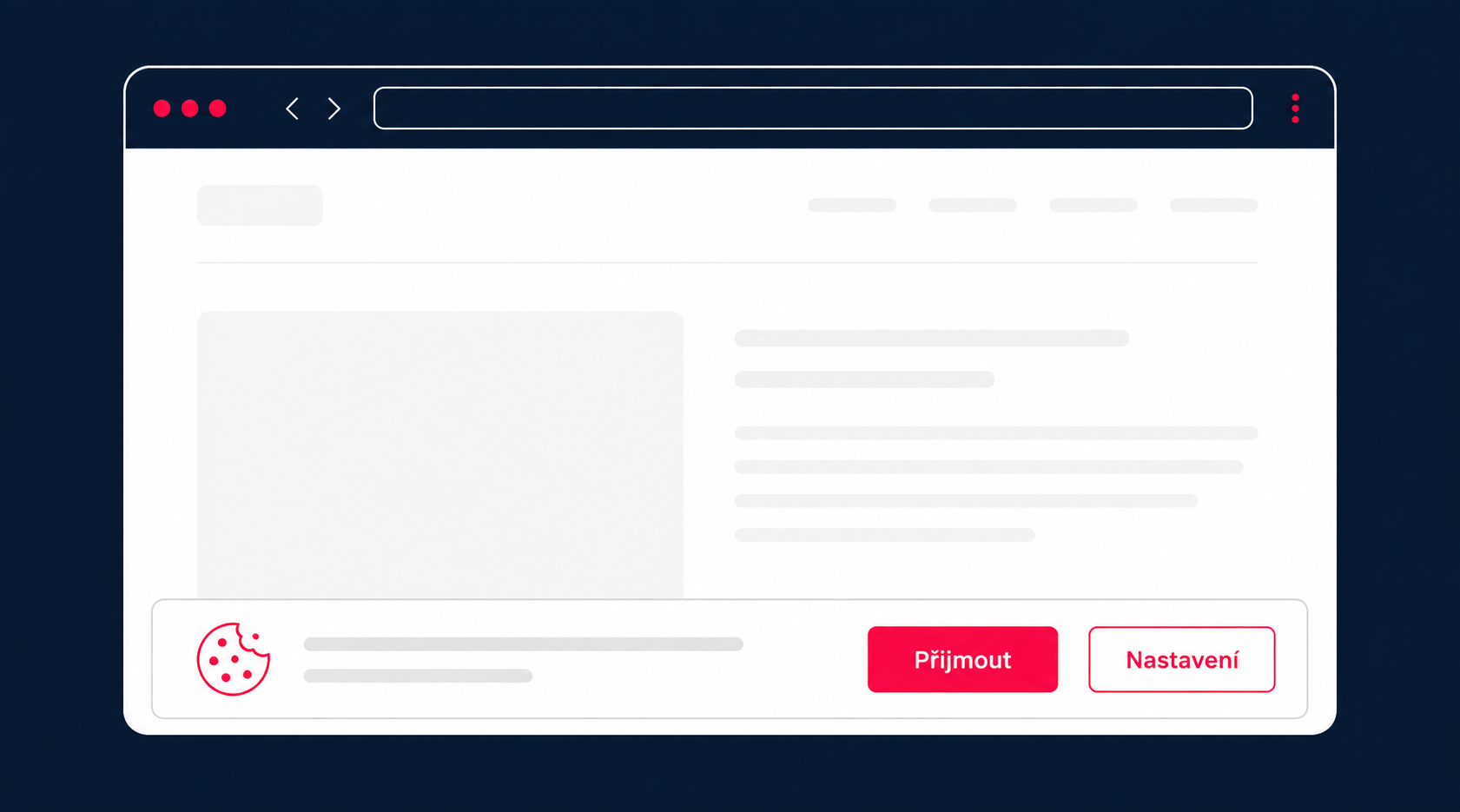
Adding a cookie banner to a website may seem like a simple task at first. You add a script, adjust the colours, set up the buttons, and the banner appears to visitors.
But the visible part is only the beginning. A properly configured cookie banner must control which tools can run before consent is given, allow visitors to make a genuine choice, and reflect how data is actually processed on the website.
Under Section 89 of the Czech Electronic Communications Act, website operators must obtain demonstrable prior consent before storing or accessing information on a visitor’s device. The exception applies to technologies that are strictly necessary for transmitting a communication or providing a service explicitly requested by the user.
If a website uses Google Analytics, advertising platforms, tracking tools, embedded videos or other third-party services, simply informing visitors is not enough. Non-essential cookies must remain disabled until the visitor actively gives consent.
Does Every Website Need a Cookie Banner?
Not every website needs a cookie banner.
If a website only uses strictly necessary cookies required for its basic functionality, consent through a cookie banner is not required. However, the website operator still needs to inform visitors about the processing of personal data if cookies are used for this purpose. The Czech Data Protection Authority also explains this distinction in its cookie guidance.
Essential cookies may be used, for example, to:
-
keep users logged in,
-
remember the contents of a shopping cart,
-
secure the website,
-
ensure that forms work correctly,
-
remember settings explicitly selected by the user.
Most business websites, however, also use analytics or marketing tools. In that case, a cookie banner will usually be required.
Typical examples include Google Analytics, Meta advertising platforms, remarketing tools, visitor behaviour tracking tools, embedded videos and some chat services.
What matters is not the name of a particular cookie, but its actual purpose and whether it is necessary to provide the service requested by the visitor.
| Category | Typical use | Is consent usually required? |
|---|---|---|
| Essential cookies | Login, shopping cart, security and core functionality | No |
| Functional cookies | Advanced preferences and personalisation | Depends on the purpose |
| Analytics cookies | Measuring traffic and user behaviour | Yes |
| Marketing cookies | Advertising, remarketing and profiling | Yes |
The rules do not apply only to traditional cookies. The Czech Data Protection Authority (ÚOOÚ) also explicitly mentions similar technologies such as local storage and browser fingerprinting.
What Should a Properly Configured Cookie Banner Do?
A cookie banner is more than an informational element. It is a tool for managing consent and controlling which services are allowed to run on a website.
Non-Essential Tools Must Not Run Before Consent
One of the most common mistakes is displaying a cookie banner while analytics or marketing scripts are already running before the visitor has made any choice.
If the visitor has not given consent, non-essential cookies must remain disabled. This also applies if the visitor closes or simply ignores the banner. Continuing to browse a website cannot be considered consent, as confirmed by the Czech Data Protection Authority.
When implementing a cookie banner through Google Tag Manager, simply adding the banner itself is therefore not enough. You also need to configure the conditions that determine when individual tags and scripts are allowed to run.
Accepting and Rejecting Cookies Must Be Equally Easy
Visitors must be able to accept or reject cookies from the same layer of the banner. A “Reject all” option should not be hidden inside advanced settings.
Both options should also have comparable visual prominence. A bright, highly visible “Accept” button combined with an almost invisible rejection link can influence the visitor’s decision and undermine the principle of freely given consent.
Practices such as hiding the rejection option in a secondary layer, using pre-selected options or applying misleading design patterns are also highlighted in a report by the European Data Protection Board’s Cookie Banner Taskforce.
Options Must Not Be Pre-Selected
Analytics, marketing and other non-essential categories must not be enabled by default. Consent requires a clear and active action from the visitor.
The banner can offer options to accept all cookies, reject all cookies or customise individual categories. However, non-essential categories must remain disabled by default in the detailed settings.
Consent Must Be Easy to Change
Cookie consent is not a permanent decision. Visitors must be able to change or withdraw their consent at any time, just as easily as they gave it. This requirement is established by Article 7 of the GDPR.
The website should therefore always provide an accessible link or control that allows visitors to reopen their cookie settings. Requiring them to contact the website operator or manually delete cookies from their browser is not sufficient.
The Website Must Work Without Consent
A cookie banner must not prevent visitors from using the website simply because they have refused analytics or marketing cookies. According to guidance from the Czech Data Protection Authority, the banner should not prevent users from interacting with the website even if they have not yet selected any option.
Only a specific feature that genuinely requires consent may be restricted. A typical example is a video embedded from a third-party service that only loads after the visitor has accepted the relevant cookie category.
The Cookie Banner Must Reflect How the Website Actually Works
The text displayed in the banner must correspond to what is actually happening on the website. Copying a generic template and listing a few common cookie categories is not enough.
Before implementing a cookie banner, you should determine:
-
which cookies and similar technologies the website uses,
-
which internal and external scripts create them,
-
what the data is used for,
-
who the data is shared with,
-
how long the data is stored,
-
whether data is transferred outside the European Economic Area,
-
which tools can run without consent and which require prior consent.
The audit should cover not only the website’s source code, but also Google Tag Manager, analytics platforms, advertising systems, embedded content, forms, maps and chat tools.
Services added later are often the reason why an originally compliant cookie setup and its related legal documentation no longer reflect what is actually happening on the website.
What Legal Documents Should a Website Have?
A cookie banner does not replace a website’s legal documentation. It is simply one of the places where visitors receive information and manage their consent.
Cookie Information
A website should provide an easily accessible page or document explaining:
-
who operates the website and acts as the data controller,
-
which cookie categories and specific cookies are used,
-
who sets each cookie,
-
what each cookie is used for,
-
the legal basis for processing the data,
-
who the data may be shared with,
-
how long individual cookies remain active,
-
whether data may be transferred to third countries,
-
how consent can be changed or withdrawn.
The Czech Data Protection Authority recommends providing a list of individual cookies along with their purpose. This information may be included directly in the structured cookie settings or in a separate document linked from the banner. In either case, it must be clear, understandable and easy to access. The Czech Data Protection Authority provides further details on the scope of these information requirements.
Information About Personal Data Processing
If cookies involve the processing of personal data, the website operator must also meet the information requirements set out in the GDPR.
In addition to information about cookies, the relevant documentation should explain:
-
the identity and contact details of the data controller,
-
the purposes and legal bases for processing,
-
data retention periods,
-
recipients of personal data,
-
any transfer of data outside the European Economic Area,
-
visitors’ rights,
-
the option to withdraw consent,
-
the right to lodge a complaint with the supervisory authority.
The information provided in the cookie banner, cookie list and privacy policy must be consistent.
The cookie policy may be a standalone document or part of a broader privacy policy. What matters is that visitors can easily find all relevant information without having to navigate through multiple layers of the website.
Additional Documents Depending on Website Features
The scope of the required legal documentation also depends on what the website offers.
An e-commerce website will typically need terms and conditions, information about complaints and returns, and information about the right to withdraw from a contract. A website with a contact form, newsletter or user accounts must also inform visitors about how their personal data is processed within these features.
Adding a cookie banner alone therefore does not cover all of a website’s legal obligations. The exact scope of the documentation needs to reflect the website’s functionality and its actual data flows.
How to Add a Cookie Banner to a Website
A proper implementation can be divided into several steps.
1. Review the Tools Used on the Website
First, identify all scripts, services and technologies used by the website. The result should be a clear overview of the cookies being created, their purpose, providers and duration.
2. Divide Them Into Categories
The individual technologies can then be divided into categories such as essential, functional, analytics and marketing. The next step is to determine which ones can run automatically and which require prior consent.
3. Prepare the Content and Legal Information
The text in the banner should be concise but easy to understand. More detailed information can be provided within the individual category settings and in a separate cookie policy.
4. Implement the Banner
The banner can be added directly to the website or deployed through Google Tag Manager. The implementation must also include mechanisms that control individual scripts according to the visitor’s choices.
5. Test the Setup
Before launch, verify that non-essential cookies are genuinely not created before consent is given, that rejecting cookies works correctly, and that changes to consent settings are properly reflected in the services that are allowed to run.
6. Review the Setup Regularly
The cookie solution needs to be updated whenever a new analytics, marketing or functional tool is added. The related information should be updated at the same time. In some cases, consent may also need to be collected again if there has been a significant change in the purposes of processing or the parties involved.
The Most Common Cookie Banner Mistakes
A cookie banner can be problematic if it:
-
informs visitors but does not actually control scripts,
-
sets analytics cookies before consent is given,
-
hides the rejection option in a secondary layer,
-
enables non-essential categories by default,
-
does not allow visitors to change their decision later,
-
uses generic wording that does not reflect the actual website,
-
links to outdated or incomplete legal documentation,
-
fails to account for new tools added through Google Tag Manager.
The result may look perfectly fine from a visual perspective while failing to do its job from a technical or informational point of view.
WebIT Cookies: A Ready-Made Solution with Regular Reporting
For our own projects and our clients’ websites, we developed WebIT Cookies, a solution that makes it possible to quickly deploy a cookie banner without having to build an entire consent management system from scratch.
The banner can be implemented manually or through Google Tag Manager. Both its appearance and wording can be customised to match the design of a specific website, and the solution also supports multilingual websites.
The solution includes automatic updates, reducing the amount of manual work required when regulations and relevant standards change. Website operators also receive a detailed monthly email report with statistics on banner usage and visitor preferences. You can find an overview of all features and implementation options on the WebIT Cookies page.
Regular reporting means the cookie banner does not become a one-off feature that is implemented when the website launches and then forgotten about. Website operators can keep track of how the banner is being used and monitor how visitors interact with the available options over time.
If you are looking for a cookie banner that can be customised to your website, deployed easily and monitored through regular reports, get in touch with us. We can help you implement WebIT Cookies and make sure it is working correctly.
This article provides general information only. Legal documentation and cookie settings should always be adapted to the specific website and the way it operates.